"Do you edit the photos?"
I get this question from nearly every couple I meet. And it makes sense — editing is the black box of photography. You know photographers do something to the photos after the wedding, but most couples have no idea what that means or what to look for.
Here's the complete breakdown, from someone who's edited over 750 wedding galleries.
What "Editing" Actually Means
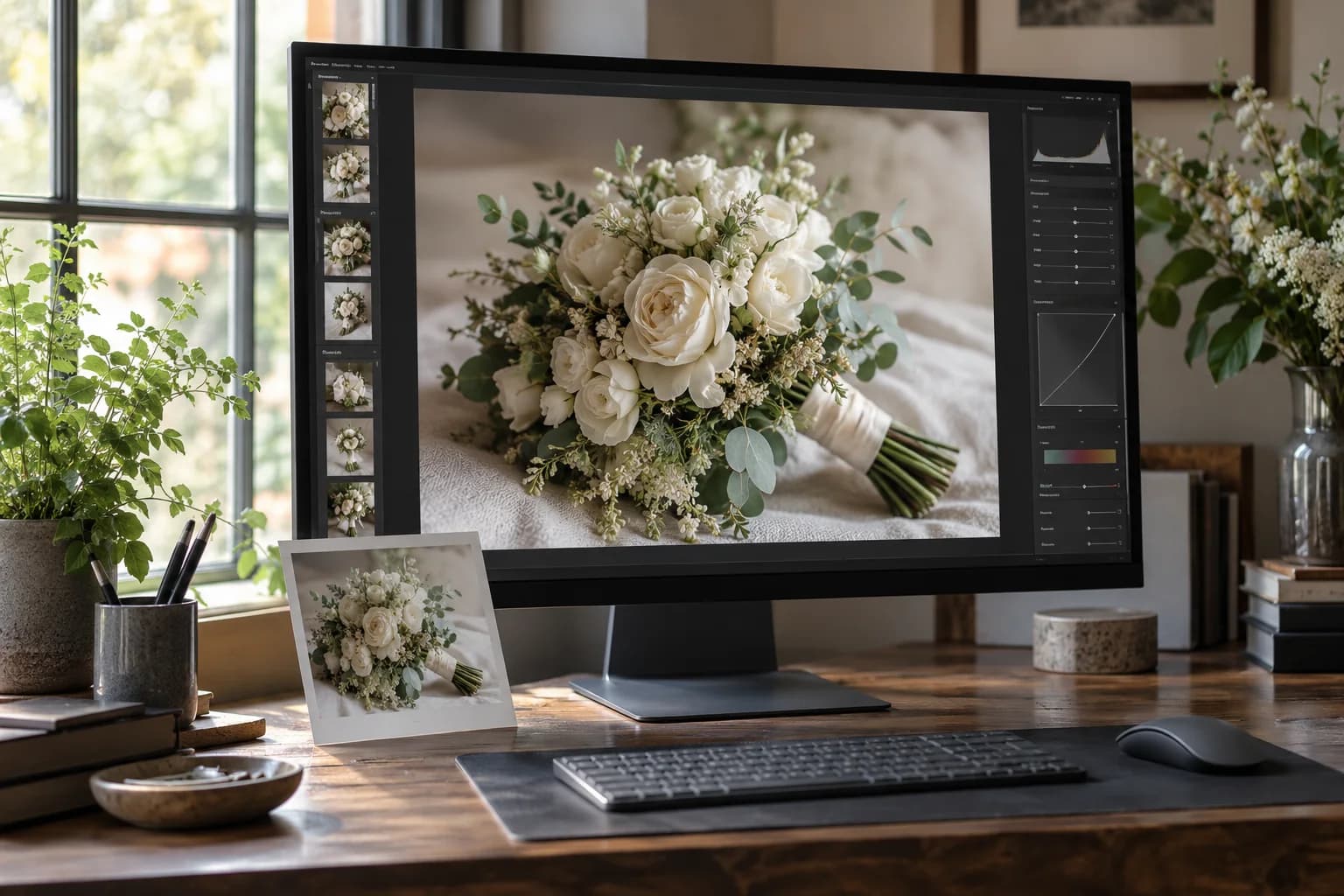
When a photographer says they "edit" your photos, they could mean anything from basic adjustments to complete digital manipulation. Here's the spectrum:
Level 1: Culling
Before any editing happens, I go through every photo from your wedding — typically 3,000–5,000 raw images — and select the best ones. This means removing duplicates, blurry shots, awkward blinks, and test frames.
From 4,000 raw files, I'll typically deliver 400–800+ finished images. The culling process is as important as the editing — it ensures every image in your gallery is worth seeing.
Level 2: Global Adjustments
These are the fundamentals applied to every image:
- Exposure correction — Making sure the image is properly bright or dark
- White balance — Correcting color temperature so whites look white, not yellow or blue
- Contrast — Adjusting the range between lights and darks
- Color correction — Ensuring accurate, consistent color across all images
This is the minimum a professional photographer should be doing. If your photos come back without these adjustments, that's not a photographer — that's someone with a camera.
Level 3: Localized Adjustments
More targeted corrections on specific images:
- Skin tone correction — Ensuring skin looks natural under mixed lighting (DJ lights, for example, can turn everyone green)
- Shadow recovery — Pulling detail out of dark areas (important in dimly lit venues)
- Highlight recovery — Pulling back detail in bright areas (important for outdoor ceremonies)
- Cropping and straightening — Tightening composition, leveling horizons
Level 4: Creative Editing
This is where "style" comes in. Beyond technical corrections, photographers apply their creative vision:
- Color grading — Shifting the overall color mood (warmer, cooler, more saturated, more muted)
- Tone curves — Shaping how shadows, midtones, and highlights feel
- Preset application — Many photographers develop custom presets that define their consistent look
Level 5: Retouching (Usually Extra)
Individual image manipulation:
- Skin smoothing — Reducing blemishes, evening out skin
- Object removal — Removing exit signs, trash cans, photo-bombing guests
- Background cleanup — Removing distracting elements
- Compositing — Combining elements from multiple exposures (rare in wedding photography)
Most photographers include Levels 1–4 in standard packages. Level 5 is usually offered for album images or by special request.
The Major Editing Styles
Light & Airy
What it looks like: Bright, soft, slightly overexposed. Lots of white space. Shadows are lifted (meaning dark areas are made lighter). Colors are often muted or pastel.
The appeal: Dreamy, romantic, magazine-like. Very popular on Instagram and Pinterest from about 2016–2020.
The risk: When overdone, skin looks washed out, whites lose detail, and everything has a flat, hazy quality. Important details in shadows (like the texture of a dark suit or the detail in dark hair) can disappear.
Will it age well? It's already starting to feel dated to me. The extreme version of light and airy is this decade's sepia tone.
Dark & Moody
What it looks like: Rich, deep shadows. Saturated colors. Dramatic contrast. The overall feel is cinematic.
The appeal: Dramatic, artistic, emotional. Popular from about 2019–2022.
The risk: When overdone, you lose detail in shadows. Black suits become black blobs. Venue details disappear. Skin can look unnaturally orange or muddy.
Will it age well? The extreme version won't. A subtle moody approach can be timeless, but the heavy orange-teal trend will look very 2020 in a few years.
True-to-Life / Natural
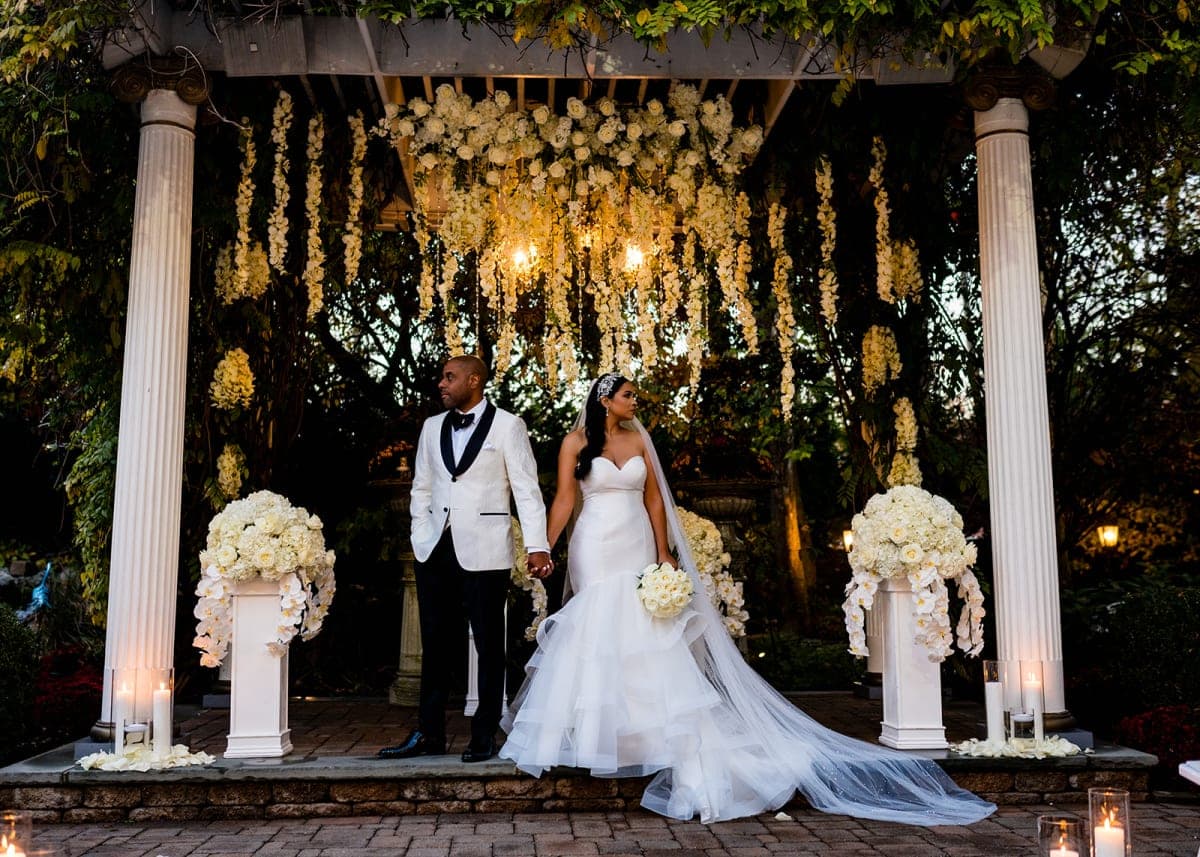
What it looks like: Accurate colors, proper exposure, balanced tones. What you saw with your eyes is essentially what you see in the photos, but polished and refined.
The appeal: Timeless. Doesn't follow a trend. Your photos look the same in 5, 10, or 30 years.
The risk: It's not as immediately eye-catching on Instagram as the more stylized looks. It won't get the "omg the editing!" reaction. It just looks... real.
This is my approach. I correct and enhance, but I don't impose a heavy creative filter. Your colors are accurate. Your skin looks like your skin. The venue looks like the venue. In 20 years, your photos won't scream "2023 Instagram trend."
Film Emulation
What it looks like: Designed to mimic the look of analog film — slightly desaturated, soft grain, lifted blacks (meaning the darkest areas are slightly gray instead of true black), sometimes with warm or cool color shifts.
The appeal: Nostalgic, organic, artistic.
The risk: Often used as a shortcut for photographers who want a "vibe" without mastering color science. Good film emulation is beautiful. Bad film emulation makes your photos look like they were shot on a disposable camera, and not in the cool way.
How to Evaluate a Photographer's Editing
Look at Full Galleries, Not Instagram
Instagram posts are the best 1% of a photographer's work, often additionally edited for social media. A full delivered gallery shows you what your actual photos will look like — all 500+ of them.
Check Consistency
Scroll through a gallery quickly. Do all the images feel like they belong together? Same color tone, same brightness range, same overall mood? Consistency is the mark of a skilled editor.
If some photos are warm and others are cold, some are bright and others are dark — that's sloppy editing. Your gallery should feel cohesive.
Look at Skin Tones
This is the biggest tell. Skin should look like skin. Not orange. Not gray. Not porcelain-smooth like a mannequin. If everyone in the portfolio looks like they have the same spray tan, the editing is too heavy.
Pay special attention to photos with diverse skin tones. A photographer's editing should flatter ALL skin tones, not just one.
Look at Reception Photos
Getting-ready and portrait photos are easy to edit beautifully — the light is usually good and controlled. Reception photos are the real test. The lighting is challenging (dim, mixed, colored DJ lights), the action is fast, and the conditions are tough.
How do reception photos look? Are they well-lit? Do skin tones look normal? Can you see detail in the darker areas? This tells you how skilled the photographer really is.
Ask About Turnaround Time
Editing takes time. A lot of it. A typical wedding takes me 30–40 hours to cull and edit. Photographers who promise delivery in one week are either not editing thoroughly or outsourcing to an editing mill (where someone who wasn't at your wedding processes your images with generic presets).
4–6 weeks is my standard turnaround. Here's my full post-wedding process if you're curious about what happens after your wedding day.
What You Shouldn't Ask Your Photographer to Do
"Can you make me look thinner?"
I will not digitally alter your body. This is an ethical line I don't cross. I'll choose angles and poses that are flattering — that's my job as a photographer. But Photoshopping body shapes is not something I do.
"Can you add someone who wasn't there?"
Compositing someone into a photo who wasn't physically present is technically possible but ethically questionable and almost always looks fake. If someone important couldn't attend, I'm sorry — but I can't fake it convincingly.
"Can you make it look like a different photographer's style?"
My editing style is my editing style. If you want light-and-airy and I shoot true-to-life, hiring me and asking me to mimic someone else won't produce good results. Choose a photographer whose existing work matches what you want.
"Can you edit out my ex from the family photos?"
I've been asked this more than you'd think. Yes, I technically can. No, it doesn't look natural. Consider cropping instead.
The Bottom Line
Editing is half the craft of wedding photography. The shooting happens in 8–12 hours. The editing happens over 30–40 hours. It's where good photos become great ones — or where heavy-handed trends turn timeless moments into dated images.
When choosing a photographer, pay as much attention to their editing style as their shooting style. Ask to see full galleries. Look at skin tones and consistency. And choose someone whose work you'd be happy to look at in 20 years, not just 20 minutes.
Want to see what true-to-life editing looks like across a full wedding? Get in touch — I'll send you a complete gallery so you can see exactly what you'll get.